
Who this is for
Property management teams who need better visibility across leasing, owners, tenants, reporting and operational handoffs.
Why property operations need connected records
Property work breaks when owner data, tenant data, lease status, utility tasks and reports are stored in disconnected places.
A connected system links each operational action back to the property, owner, tenant and workflow stage.
Core modules in a connected property system
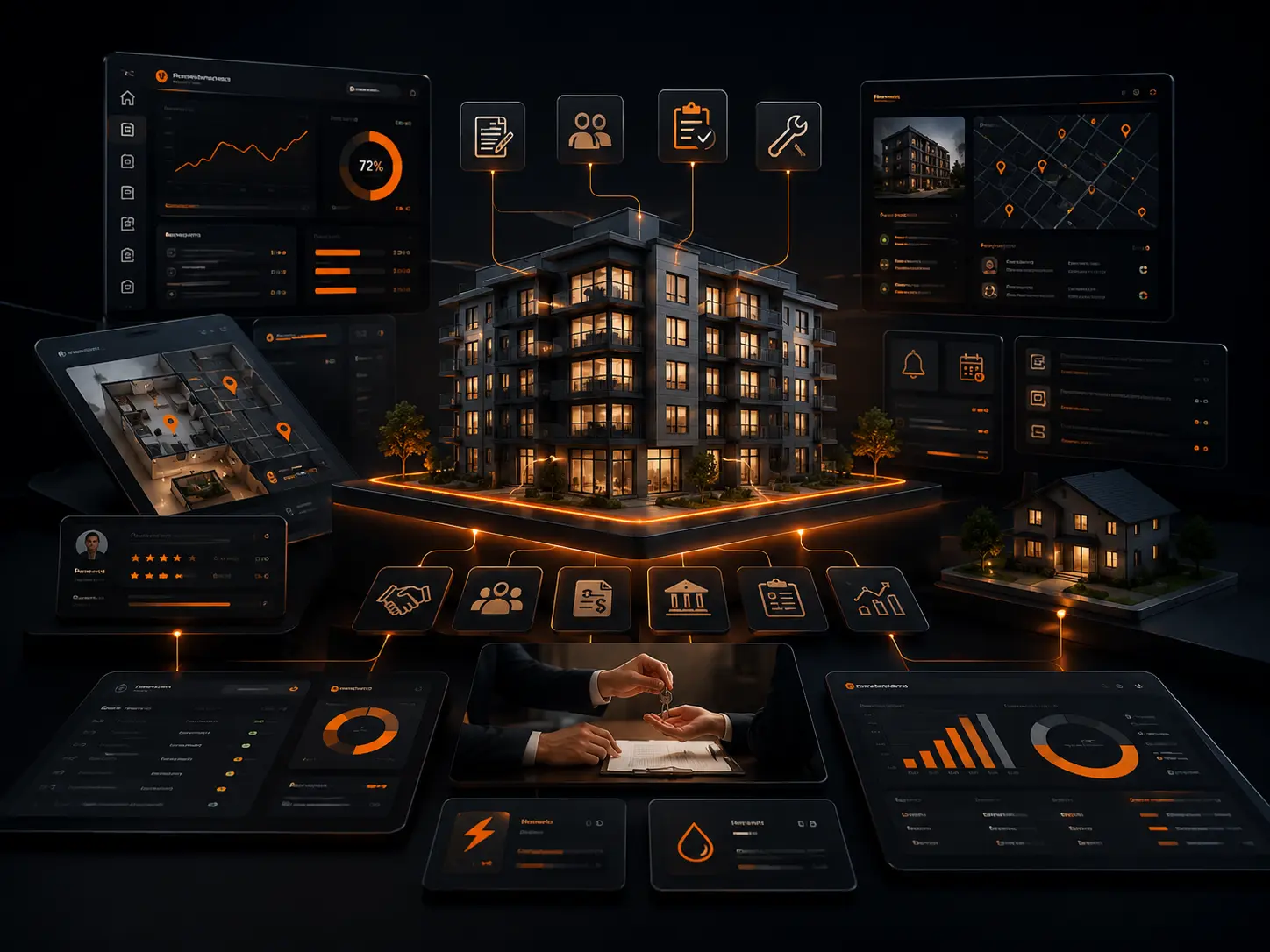
A practical system can include property directory, owner directory, tenant directory, leasing tracker, move-in/move-out tasks, utility transfers, owner reports, communication logs and dashboards.
Each module should have permissions, status rules and audit trails so the team knows what is pending and who is responsible.
Automation opportunities
Automations can create tasks, send emails, generate owner reports, update statuses, trigger reminders and create logs.
The goal is not to automate blindly. The goal is to make the process visible, controlled and maintainable.
Keep directories, leases and workflow events as separate records
A property name is not a reliable substitute for a record relationship. Property, owner, tenant, lease and move events should have stable identifiers so a historical lease does not get confused with the current tenant or the latest move-in record.
This also makes automation safer. A utility transfer, reminder or owner report can reference the intended lease or event instead of selecting whichever row happens to match a property name.
Design operational history before adding more automations
Status automation is useful only when the team can see what changed and why. Important actions should preserve timestamps, responsible users and the relevant property or lease context so a later reviewer can reconstruct the sequence.
When an existing system has many formulas and bots, document the current selection logic before changing it. Latest-record expressions, date comparisons and cross-table lookups are common places where an automation can accidentally use an older event.
FAQs
Can owner reports be reviewed before sending?
Yes. A review queue can let staff preview, approve and send reports with logs.
Can sensitive client data be hidden in public case studies?
Yes. DATA OVEN uses dummy-data recreations and sanitised diagrams for public proof.
Can AppSheet support property operations?
Yes, especially for internal workflows, approvals, tasks, directories and Google Workspace-based reporting.
How should a property system identify the latest move-in or lease?
Use stable record relationships and an explicit business rule based on the relevant date and status, rather than relying only on a property name or row order. Test properties with multiple historical tenants.
What should be logged when an automation changes a property workflow status?
Keep the affected record, previous and new state where useful, timestamp, responsible automation or user, and enough context to investigate why the transition happened.