
Who this is for
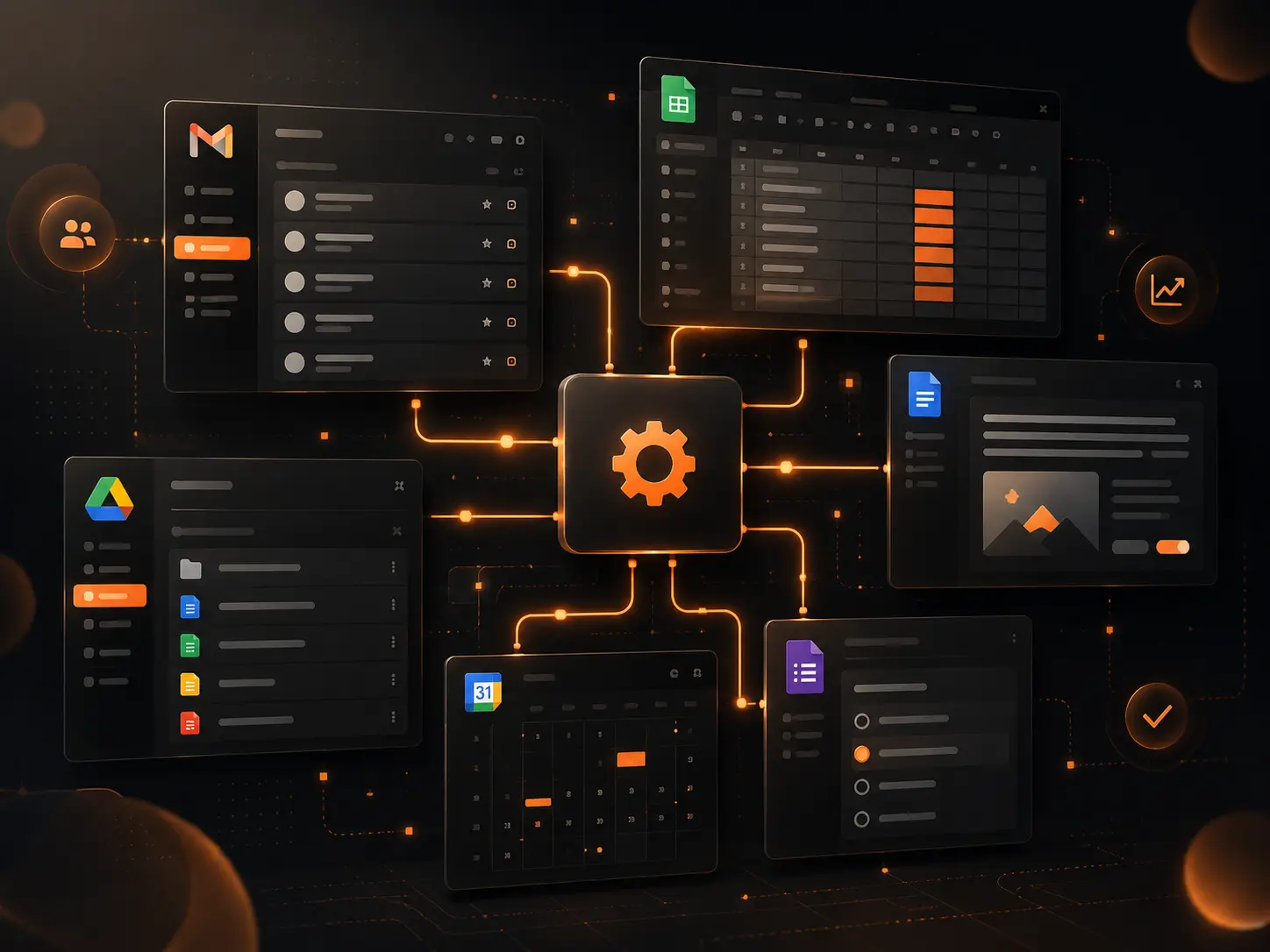
Teams using Gmail, Sheets, Drive, Docs, Calendar and Forms for daily operations.
Automation should remove operational friction
The best automations are not fancy. They remove repetitive work, prevent missed handoffs and make status visible.
Examples include approval emails, PDF generation, Drive folder creation, calendar reminders, Gmail notifications, data cleaning, report exports and audit logs.
Examples DATA OVEN can build
Lead capture from Forms into a structured CRM sheet, automatic proposal document creation, Gmail notifications to owners or customers, Drive folders for each project, invoice follow-ups, monthly PDF reports and dashboard-ready data exports.
These automations can be built with Apps Script, AppSheet bots, Google Workspace APIs or a controlled hybrid setup.
Important reliability considerations
Workspace automations must respect quotas, permissions, trigger limits and ownership. A script running from the wrong account can break when a user leaves the company.
DATA OVEN designs automations with controlled ownership, logs, failure messages, retry logic where appropriate and documentation for maintenance.
Design the failure path before switching the automation on
Every production automation should answer four questions: what proves a run succeeded, what gets logged when it fails, who is notified, and whether retrying the same action is safe. This is especially important for email, document creation, API calls and status updates because duplicate retries can create a second message, file or transaction.
Use stable record identifiers and an execution log so an owner can reconcile what the source record requested against what the destination actually received. A scheduled trigger should never be the only evidence that an operation happened.
Keep triggers and service ownership out of personal accounts
A workflow can stop when the person who created its trigger leaves, loses access or changes a connected file. Ahead of launch, record which account owns each script, trigger, Shared Drive, mailbox, API credential and destination resource.
Where the client environment allows it, production assets should use client-controlled ownership and documented administrator responsibility. That makes future maintenance, access reviews and handover substantially safer.
FAQs
Can Gmail be used for automated client communication?
Yes, but the workflow should include templates, logging, permissions and safeguards so emails do not become uncontrolled spam.
Can Apps Script connect Sheets, Docs and Drive?
Yes. Apps Script is very useful for creating documents, managing files, sending notifications and transforming spreadsheet data.
Do Google automations need maintenance?
Yes. They should be logged, documented and reviewed when business rules, sheet structures or permissions change.
How should a Google Workspace automation handle a failed API call?
Record the failure with useful context, distinguish retryable errors from permanent validation errors, avoid duplicate processing, and notify an accountable owner when manual recovery or reconciliation is required.
What happens to an Apps Script trigger when its owner leaves?
Ownership and trigger behavior depend on the account and configuration. Production automations should document the executing account and transfer or recreate ownership safely before access is removed.